


 Download
Hi folks!
The question raises here for small, medium, and large business owners as well as individual who are looking for a specific tool for making creating invoices and send them to their customers easily and quickly.
On the bases of previous business related application tools, you got acknowledged about bookkeeper, Acumatica Accounting, Tally etc. These software will let you enter enter or categorize all transactions typically, you will also have an option to create invoice and send it to your customers. Although, those software for all your business bookkeeping activities not designed to focus only one or specific business activity.
Simple invoice manager will kick away your this problem because it is specifically designed for creating invoices and sending them to your customer nothing else is included here. Other general software will consume your time to let you know about that where is your invoice tool located and that will definitely a time wasting moment for any businessman or accountant to find out that. So, use simple invoice manger specifically to save your expensive time to spend other crucial things instead of spending it just for one thing. Simple invoice manager will also track payments, set reminders, and get paid faster as compared to other with having easy to use tools built for freelancer and businesses. Spend less time in invoicing and more time for earning.
Overview:
Dear folks are you tired of confusing and expensive accounting apps?
No worries! Simple invoice manager is basically made for people who just want fast and easy way to resolve their business invoicing issues.
Simple invoice manager is a small APK that helps you to create and send invoices in minutes. The APK is perfect for freelancers, shop owners, and small businesses.It requires no monthly fees, no need to sign in to the cloud.
You can even use it offline at job site, in a meeting, anywhere. So, just click the app and create invoice, and sent it to your customers, that’s all , Less hassle, more money in your pocket.
Simple invoice manager as an automated invoice management: system:
Simple invoice manager helps usually helps you to spend less time on paperwork and more time doing what you love. It is a lightweight mobile app that handles invoicing automatically, so you don’t have to worry about doing paperwork.
Given below the ways that show how it works:
1. Smart Invoice Creation:
- Quick Setup: Just pick a template and the APK doesn’t rest calculations, tax, layout no spreadsheets needed.
- Remembers Your Info: Once you enter client or product details, the application saves them. Next time time, it fills everything for you.
- Auto Numbering: It creates invoices numbers like INV-001, INV-02, so your records stay neat and organized.
2. Easy Tracking:
- Live Status Updates: Your invoices are sorted into Draft, Sent, Paid, or Overdue automatically.
- Who Owes You What: The application shows you which clients haven’s paid how long it is been. No need to do the math yourselves.
3. Follow-ups & Payments Made Simple:
- Reminders: Set a due date and application will send reminders for late payments there will be no awkward follow up emails.
- Instant Receipts: When a payment is marked as received, the application will log it and send a receipt to your client right away.
- Profit & Loss Reports: Just record your sales and expenses, and the application will give you a simple report while showing how your business is doing.
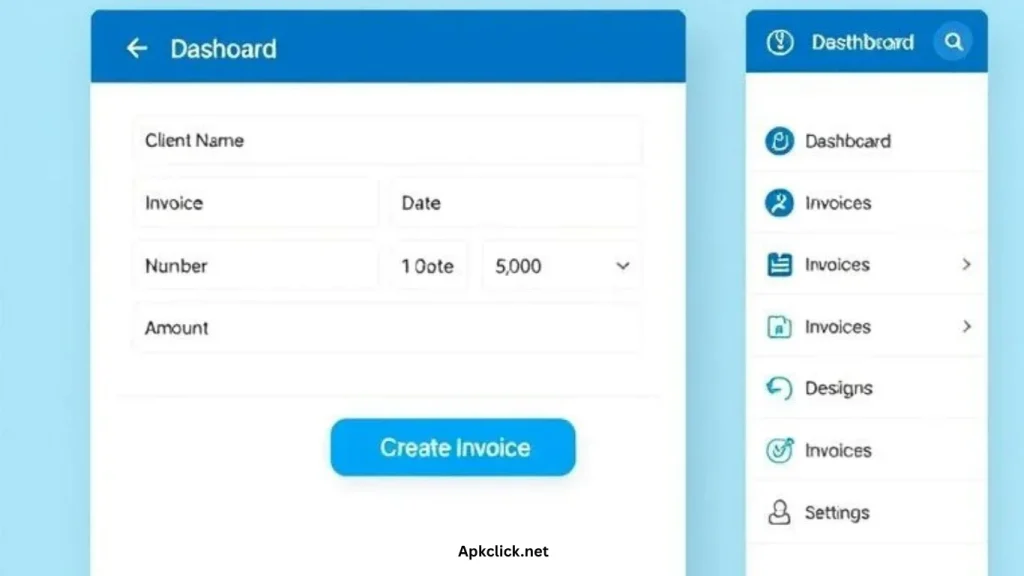
Transport invoice format in Simple invoice manager:
Even though the application doesn’t exist built in “Transport invoice” template, you can easily customize it to fit your transport or logistics needs, while using the standard invoice and adjust the fields to include all the important details.
Basic Invoice Setup:
| Field | What to Enter | Example |
| Client Details | The company receiving the goods (Consignee). | Acme Logistics Inc. |
| Your Company | Your transport company name. | Bolt Trucking LLC |
| Invoice Date | The exact date that you are going to issue the invoice. | 10/13/2025 |
| Due Date | Your expection for payment. | 11/12/2025 |
| Item/Service Name | Type of service provided. | Freight Service or Hotshot Delivery |
| Description | Details of the trip and cargo. | Route: Dallas to Chicago; Cargo: 4 pallets, 8500 lbs |
| Quantity | Either mileage or flat rate trip count. | 325 miles or 1 trip |
| Price/Rate | Your charge per mile or flat fee. | $3.50/mile or $1,137.50 flat fee |
Add Custom Transport Details:
You can add an extra fsilds to nclude transport specific info like vehicle number or tracking codes. Here is how you can :
- Navigate to your settings in the application.
- Find customization or custom fields.
- Add the fields you need to make sure they show up on the final invoice.
| Custom Field | What It’s For | Example |
| LR/Waybill No. | Shipment tracking number. | LR-BTL-98765 |
| Vehicle No. | Truck or vehicle license plate. | TX-T93M65 |
| Load/Unload Fees | Extra charges not part of freight. | $50.00 |
| Consignor (Sender) | Who sent the goods. | XYZ Manufacturing Co. |
| Destination | Final delivery location. | Chicago Freight Terminal, IL |
Once you have done all that , you can export everything to sheets for record keeping or sharing. It is a simple way to create professional transport invoices without needing complex software.
Updated key Features of invoice simple customer service:
Simple invoice manager offers a range of standout features that are designed to make invoicing effortless and efficient for businesses:
- Instant Invoice Creation: Quickly add clients, services, and totals within seconds while using a streamlined interface that simplifies the entire procedure of generating professional invoices.
- Smart Payment Tracking: The feature will monitor payments in a real time to see which invoices have been paid and also identifies unpaid or overdue invoices, which help to maintain accurate financial records.
- Professional Reports: It will access to detailed reports that provide immediate insights into earnings and outstanding dues, and also enables better financial management and decision making.
- One-Tap PDF & Share: Easily It easily converts invoices into PDF format and shares them instantly via popular platforms like Whatapp, Gmail, or Google Drive for convenient delivery.
- Offline Access: The feature will enable you to continue Continue managing and creating invoices even without an internet connection, and also ensures uninterrupted business operations.
- Custom Branding: You can also customize invoices by adding your business logo and name, reinforcing brand identity in the entire financial communications.
- User Experience: Its user friendly interface will make each and everything easier to understand for each use, and will make you feel like that you have your own accountant freely.
These features collectively empower small businesses and freelancers to configure their invoicing needs professionally and efficiently with a minimal effort.
Demo for Invoice simple app download and usage:
To download and usage of the simple invoice manager app follow the below instruction:
How to download and install:
- To download the APK you will need to navigate to the top of the blog post on the right side of your screen you will see a download button press it and download.
- For the installation purpose you have to go your device setting enable unknown sources and the APK will work for you.
Demo for Using the App:
Step 1: Add a Client
- Open the application and tap ‘Clients ‘ or the ‘+’ button.
- Enter the client’s info like , Name and Email address. Optional phone number
- Good news: The application will save this info, so you only enter it once. Tap the “save” button.
Step 2: Create an Invoice:
- Tap new invoice or big ‘+’ button on the home screen.
- Choose you client( details will be filled automatically).
- Tap ‘Add Item’:
- Item Name: like, Consulting services (or freight Trip 001).
- Rate: $500
- Quantity: 2 → The app calculates the total: $1,000
It also creates an invoice number like (INV-004) and lets you to set a due date.
Step 3: Preview & Save
- Tap preview to see the invoice.
- You will see a clean, professional PDF with your logo and all the details.
- “Wow! Simple invoice manager looks sharp and ready to send.”
- Tap the save button and generate PDF.
Step 4: Send It
- Tap ‘Share’ or ‘Send.’
- Choose how to send it on WhatsApp, Email etc.
- Pick your contact and hit send.
All things have done you have created and sent a professional invoice in simple invoice manager.
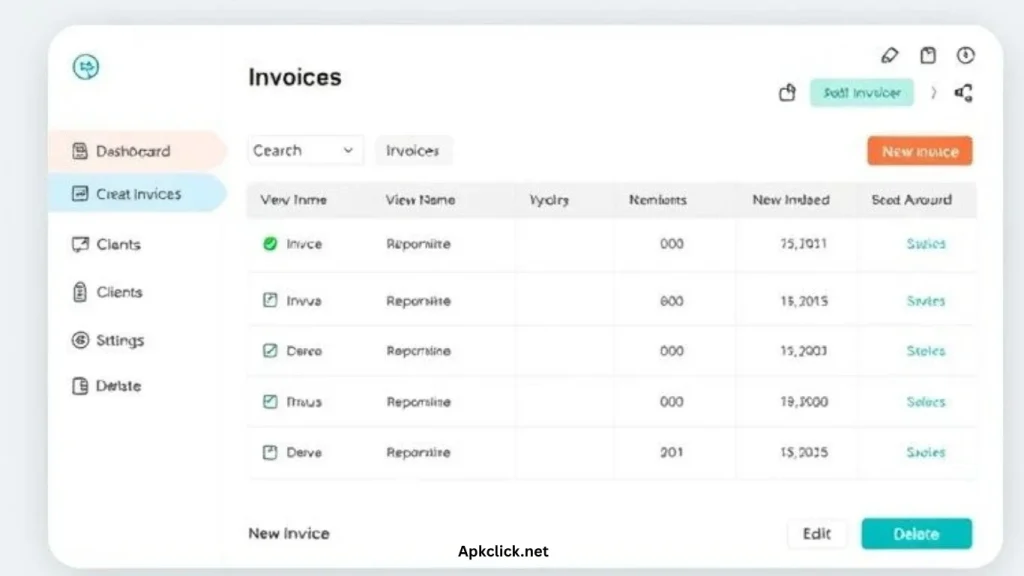
Simple invoice manager free VS Pro :
Simple invoice manager offers a free version that effectively covers approximately 90% of essential features that are needed for everyday invoicing tasks. This includes core functionalities for creating, managing, and sending invoices efficiently. However, for users who are seeking an additional benefits like, automate data backups and the ability to add custom branding like logos, the Pro version provides those valuable enhancements.
Comparison:
| Feature | Free | Pro |
| Basic Invoicing Tools | Yes | Yes |
| Automatic Backups | No | Yes |
| Custom Branding (Logo) | No | Yes |
This tiered structure enables users to choose based their specific business requirements, balancing essential functionality with an advanced features.
Pros and Cons of simple invoice manager:
Given below the common Pros and Cons of simple invoice manager:
What’s Great About It:
- Works Offline: You don’t need internet to use it perfectly for working in the field or on the go.
- Super Easy to Use: The application is simple and clean. You can start making invoices right without any training.
- No Signup Needed: Just download and start using. No accounts, and no subscriptions and monthly fees are required.
- Professional Look: Your invoices will look clean and polished, and will help you to impress clients.
What to Keep in Mind:
- Android Only: It is not available for iPhone or iPad users.
- Limited Cloud Backup: You can back up to services like Google drive, but it is not as not smooth as some bigger apps.
- Not Full Accounting Software: It handles invoices and payments, but doesn’t include things like payroll or tax filling.
- Solo Use: It is best for freelancers or solo business owners. It doesn’t support team collaboration or multiple users.
Who Should Use invoice simple customer service:
Simple invoice Manager is perfect for freelancers, small business owners, and people who might not be very tech savvy. Although, Simple invoice manager makes invoicing easy and stress free. Simple Invoice Manager is the easiest way to send invoices and get paid. So, you can create invoice and send it to your customer effortlessly through simple invoice manager, you can also track payment, and see simple reports all without any accounting knowledge. This application is perfectly suits for freelancers and small businesses who want to stay organized and save time.
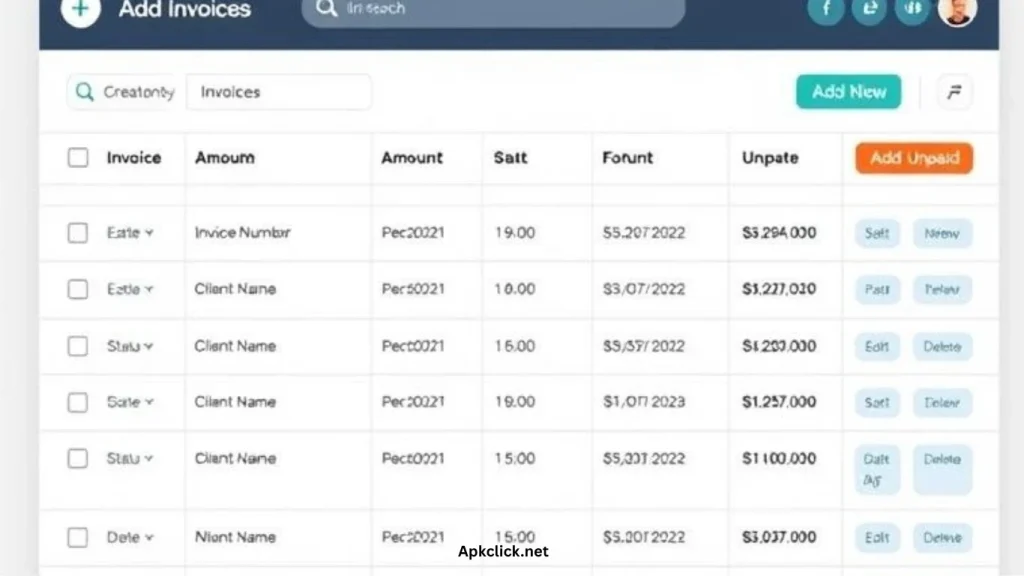
Short Summary:
Simple invoice manager is an easy to use application made for freelancers and small business owners to help with their invoicing and payment tracking. Simple invoice manager makes it easy to create and send invoices quickly. You can track that which payments are done or still pending, and generate clean, professional reports. You can also even add your own logo to customize your invoices and send them easily through email or WhatsApp. The best part is that it works offline too, so you can use it in anytime, anywhere without any internet connect is required. The free version covers branding. Entirely, it is a simple, practical tool that saves time and helps businesses to stay organized without hassle.
Requirements:
The mobile device requirements for a simple invoice manager app are:
- For Android: it requires Android 7.0 or higher.
- For iOS: It requires iOS 12.0 or later.
- It also works on smartphones and tablets.
- Internet connection is needed only for sending invoices or cloud sync, not for creating invoices offline.
FAQS:
1. Can I use Simple Invoice Manager on PC?
No this an APK means Android package kits only for Android devices.
2. Can I use it offline and sync later?
Some applications will let you work offline and when you are back online, as like simple invoice manager application works offline as well.
3. Is there a cracked version?
Cracked versions are risky and illegal. Use the official one to stay safe.
4. Can I add logos and colors to invoices?
Yes! You can add logo, pick colors, and use different styles.
5. Does it support different currencies and taxes?
Yes, various invoice apps handle multiple currencies and tax settings.
 Ratings and reviews

 4.3
4.3  18.19
18.19